Best Tablets in India 2026
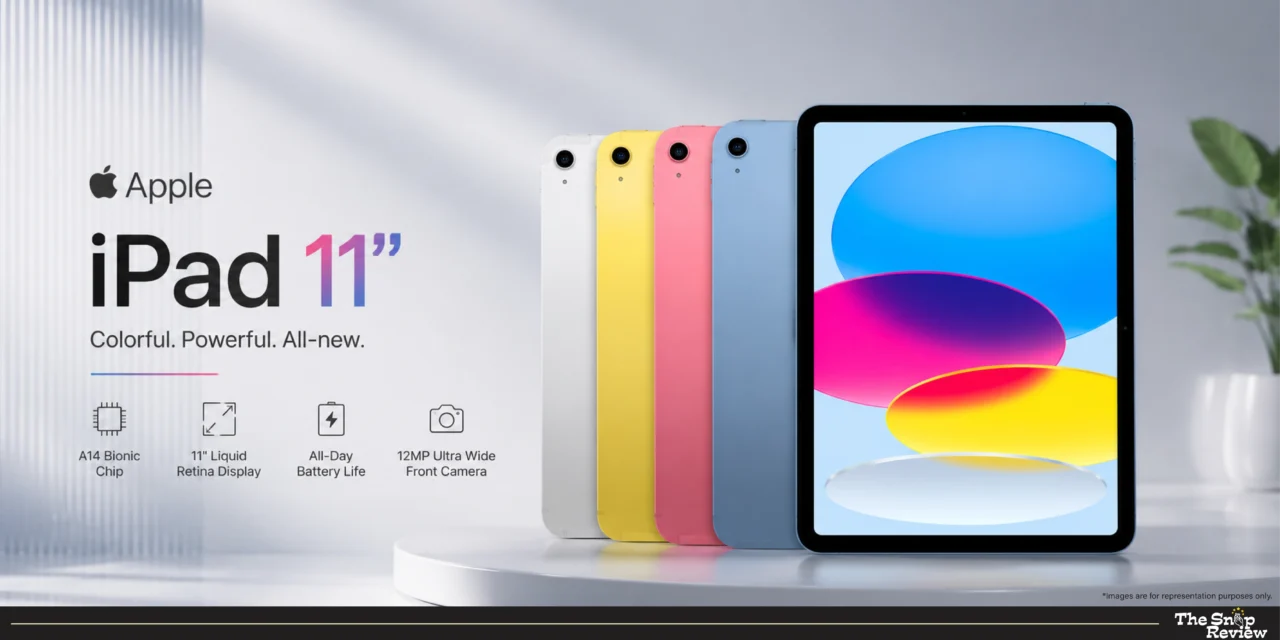
Apple iPad 11” (2026) – The Ecosystem Champion
Price: Rs.34,400
Display: 11” Retina display
Processor: A16 Bionic
Battery: 10 hours
Best For: Apple ecosystem users, app quality, creative work
What we like –
The iPad 11” features what Apple loves the most – seamless integration and excellent software that Android tablets can’t match. The A16 Bionic processor is not only benchmark-fast, but also delivers incredible smoothness in every task. Apps open instantly, multitasking feels incredibly easy, and even complex tasks like photo editing or music production happen without a hitch.
Its Retina Display doesn’t have the endless black of AMOLED, but Apple’s colour calibration is excellent. This display accurately reproduces colours, ideal for creative tasks like photo editing, design, and digital art, where colour accuracy matters. The screen is bright enough for outdoor use, and the anti-reflective coating proves to be really helpful in bright environments.
Its app ecosystem is the iPad’s biggest advantage. Professional apps like Procreate, LumaFusion, Notability, and GoodNotes are tablet-optimised masterpieces that fully leverage the iPad’s capabilities. These aren’t phone apps designed for tablets. For students, creative professionals, or anyone doing serious work on a tablet, this difference in app quality is crucial.
If you already use an iPhone, Mac, or Apple Watch, you know that it’s ecosystem integration works wonders. Hand-off lets you start work on your iPad and continue it on your Mac without interruption. AirDrop shares files instantly. Your notes, photos, and documents are automatically synced across all devices. This feature is really useful for those connected to the Apple ecosystem.
The 11-inch iPad is incredibly thin and light. It feels premium, fits easily into most bags, and you can comfortably hold it for extended periods of reading or watching videos. The build quality is excellent – these devices feel built to last for years.
Software updates are a key strength of Apple. This iPad will continue to receive iPadOS updates for 5-6 years, maintaining its performance and security even after Android tablets stop receiving updates. This longevity is very important for those planning to use their tablet for many years.
What could be better –
Apple’s accessories are priced quite aggressively. The Magic Keyboard costs about the same as a budget tablet, the Apple Pencil isn’t included, and storage upgrades come at an additional cost. If you need them, consider these costs – they can add up quickly.
It’s base model comes with 64GB, which fills up quickly when downloading content or storing photos. iCloud storage is helpful, but you’ll be paying subscription fees for limited local storage. If you can afford it, consider the 256GB model.
File management has improved on the iPad, but it still feels limited compared to Android or Windows. The Files app has some bugs, connecting external drives presents some difficulties and Apple’s sandbox approach means it’s less flexible for power users who want complete control over their file system.
The lack of a headphone jack continues to be a source of frustration. This requires dongle or Bluetooth headphones, which is inconvenient for audio professionals, gamers seeking low latency or anyone who prefers wired headphones.
iPad’s multitasking has improved, but it is less intuitive than Samsung’s DeX or desktop operating systems. Split-screen works but managing videos and switching between apps requires learning iPad-specific gestures and workflows.
Real Talk –
The iPad 11” is for those who value software polish, app quality and ecosystem integration over the latest specifications. It’s perfect for students who need reliable performance across all apps, creative professionals using iPad-specific pro apps or anyone already integrated into Apple’s ecosystem. For Rs.33,400 you’re getting a complete package of hardware, software, and ecosystem that work seamlessly together. The long duration of software support means this tablet will remain viable for years, making it more valuable over its useful lifespan. It seems appropriate.
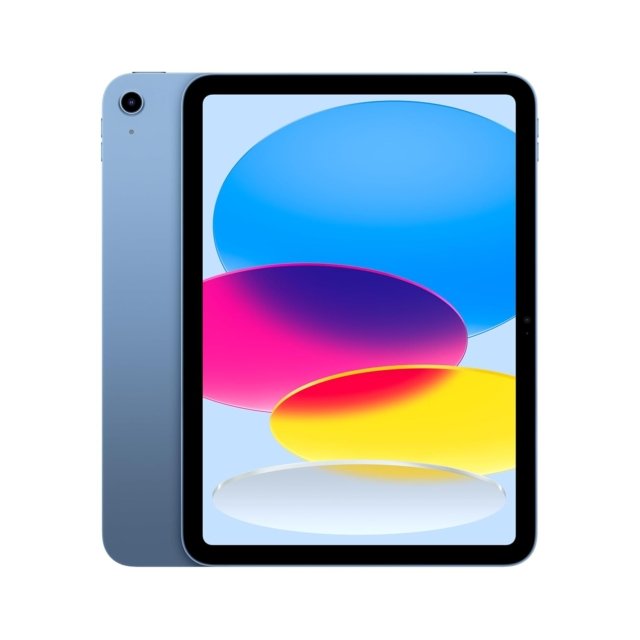
Apple iPad 11” (2026)
Price: Rs. 34,400
Display: 11” Retina display
Processor: A16 Bionic
Battery: 10 hours
Best For: Apple ecosystem users, app quality, creative work
Disclaimer : We are a product review website providing honest opinions based on extensive research. Prices mentioned are approximate and may vary.
How to Choose the Right Tablet for Your Needs
1. Consider Your Primary Use Case –
For creative work (design, video editing, illustration): You need processor power, a display with accurate colour reproduction, and professional apps. Premium tablets equipped with flagship chips are the right choice.
For media consumption (streaming, reading, browsing): A large screen and long battery life are more important than processing power. Mid-range tablets handle these tasks very well.
For productivity (documents, presentations, multitasking): You need high-speed performance and good multitasking capabilities. Look for tablets that feature flagship processors and support for desktop mode.
For students (online classes, notes, assignments): If creative apps are essential for you, choose based on the quality of the app ecosystem; and if budget is the primary concern, prioritize battery life and value.
For gaming: Choose a device with a high refresh rate display (144Hz) and a flagship-grade processor for smooth, lag-free gameplay.
2. Display Size and Quality –
11–12 inches: A perfect balance between portability and screen size. Comfortable for reading, viewing content, and working, while also being easy to use.
14+ inches: This device is meant to replace a laptop. It is better suited for heavy multitasking and creative work that requires ample screen space, though it is somewhat difficult to carry around easily.
AMOLED vs LCD: AMOLED offers deep blacks and superior contrast, especially in dark environments. LCD is also quite good and often appears brighter outdoors.
Refresh rate: Scrolling and interactions feel much smoother at 120Hz+ (higher refresh rates). Once you experience this, 60Hz clearly feels stutter. If you value smoothness, prioritizing this is beneficial.
3. Processor Performance –
Flagship chips: For creative work, heavy multitasking, demanding games, or future-proofing.
Mid-range chips: For media consumption, light productivity, and browsing. Adequate for most users’ needs at lower prices.
Don’t overspend on processing power you won’t use. If you primarily stream and browse, mid-range performs identically to flagship for those tasks.
4. Battery Life Expectations –
8,000–9,000 mAh: 6–8 hours mixed usage. Adequate for most daily use; may need afternoon charging for heavy users.
10,000–12,000 mAh: 8–12 hours mixed usage. All-day battery for typical usage patterns, handles extended use comfortably.
Battery capacity matters more for people who travel, attend online classes all day, or use tablets extensively away from charging points.
5. Storage Needs –
64GB: Adequate only if you stream everything and store very little locally.
128–256GB: Sweet spot for most users — enough for apps, downloads, and photos without constant management.
512GB+: For creative professionals storing large project files or extensive content libraries.
Common Mistakes to Avoid When Buying a Tablet
1. Ignoring the App Ecosystem
Choosing a tablet solely based on specifications and price can backfire if your essential apps aren’t properly optimized. On one platform, many apps are essentially just scaled-up versions of their phone counterparts, whereas on another, the same apps are fully optimized for tablets and designed specifically for larger screens.
2. Falling for the “Laptop Replacement” Marketing
Buying a tablet with the expectation that it will completely replace your laptop can lead to disappointment. It may involve an additional cost of Rs.8,000 to Rs.20,000, and even the most advanced tablets cannot match the multitasking capabilities of a real laptop when it comes to heavy-duty tasks.
3. Buying Based on Brand Loyalty Instead of Best Fit
Ecosystems do offer genuine benefits, but they can also lead you to spend more money on familiar products rather than prioritizing actual performance. An ecosystem becomes significant when you heavily use devices from a single brand, as consistent usage yields tangible advantages.
This doesn’t matter if the tablet is primarily used standalone or with cross-platform apps like those from Google or Microsoft; in that case, the specifications offered for the price are what matter more.
Overall Insights: Which One Should You Buy?
For creative professionals or serious app users: Choose a premium tablet with strong app ecosystem support, colour-accurate display, and long software update commitment.
For flagship Android performance at reasonable pricing: Look for tablets with top-tier processors and high refresh rate displays without the premium brand mark-up.
For absolute best performance and display: Go for a large AMOLED display with desktop-mode support — a genuine laptop replacement.
For battery life and value: A large 120Hz display with 12,000 mAh battery at budget pricing is perfect for students and content consumers.
For entertainment on a tight budget: Prioritise audio quality and a smooth display — great for families or as a secondary device.
Frequently Asked Questions
Q: How long do tablets typically last?
Premium tablets: 4–6 years with consistent software updates. Mid-range tablets: 3–4 years before performance feels dated. Budget tablets: 2–3 years of satisfactory performance. Battery degradation typically becomes noticeable after 2–3 years regardless of price.
Q: Are Android tablets catching up to iPad?
Hardware-wise, yes — Android tablets now match or exceed in display quality, processing power, and battery life. Software-wise, one platform’s app ecosystem remains stronger for professional creative work. For general use and media consumption, flagship Android tablets compete very effectively.
Q: Should I buy a cellular version or WiFi-only?
Cellular if you travel frequently, need constant connectivity, or can’t rely on WiFi. WiFi-only is sufficient for most home and office users. Cellular versions typically cost Rs.5,000–10,000 more plus ongoing data plan costs.
Q: Stylus — necessary or gimmick?
Genuinely useful for digital note-taking, illustration, and annotating documents. Probably unnecessary for pure media consumption or casual users. Buy one only when you have a specific use case in mind, not on a “might use someday” basis.
Disclaimer: We are a product review website providing honest opinions based on extensive research and real-world usage analysis. Prices mentioned are approximate and may vary based on sales, offers, and location