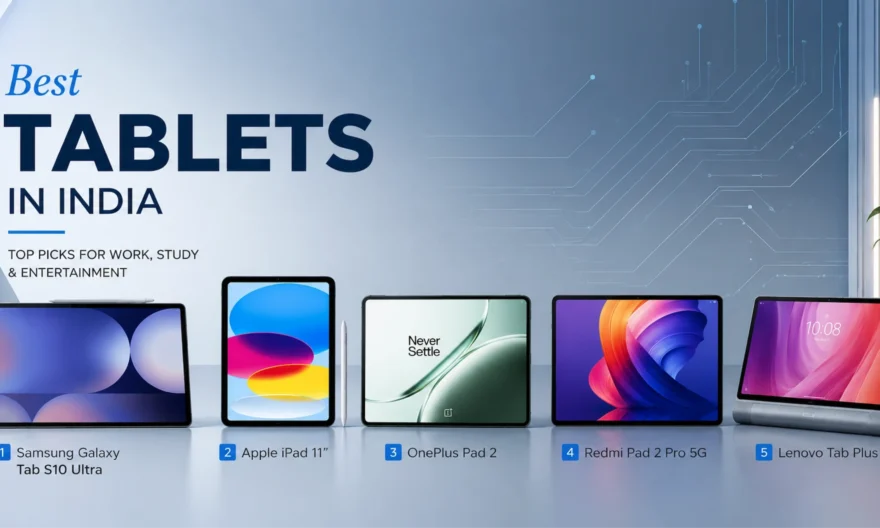
Best Tablets in India 2026
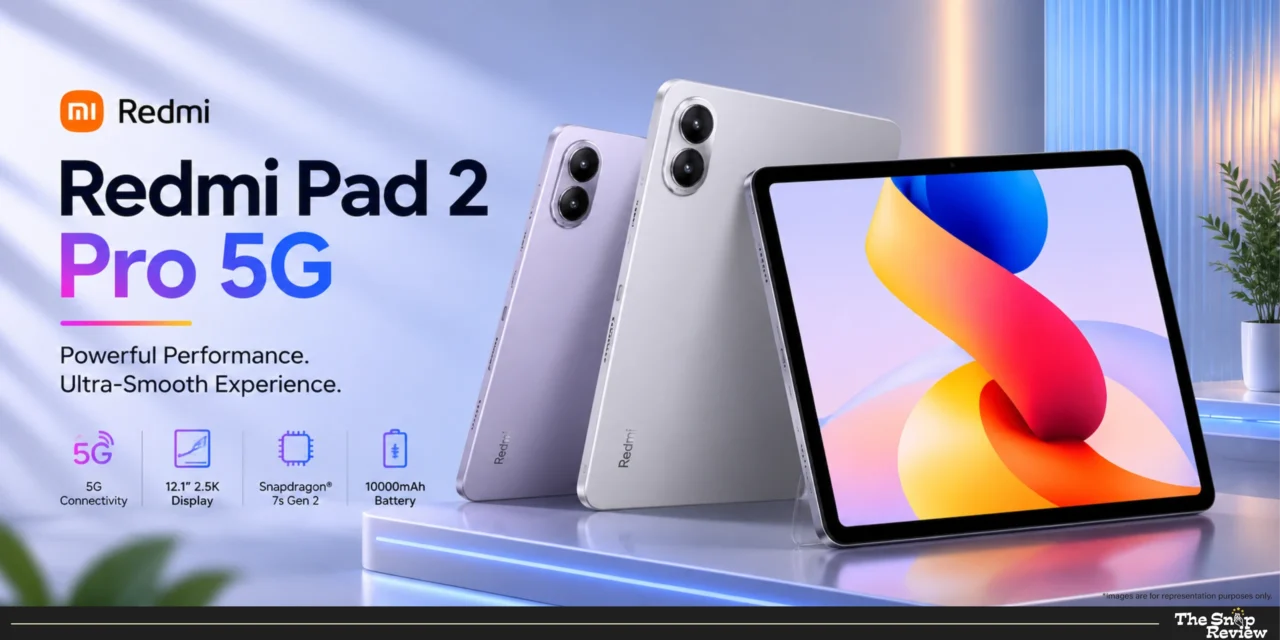
Redmi Pad 2 Pro 5G – The Budget Media Champion
Price: Rs.29,999
Display: 12.1” 120Hz
Processor: Snapdragon 7s Gen 4
Battery: 12,000 mAh
Best For: Content consumption, students, budget-conscious buyers
What we like –
Xiaomi has created a tablet that delivers all the essential features without the premium price. The 12.1-inch 120Hz display is truly stunning at this price. The screen is large enough to read, study, or view content, and the 120Hz refresh rate makes scrolling very smooth and responsive. The display quality that was only available in premium devices a few years ago is now available at a budget price.
It’s biggest highlight is its 12,000mAh battery. This battery capacity is quite impressive – you can handle 10-12 hours of video streaming, day-long browsing and document work or long gaming sessions without worrying about finding a charger. This battery life is extremely convenient for students who attend online classes all day or travellers who go on long trips.
The Snapdragon 7s Gen 4 is sufficient for most users. It doesn’t offer flagship-level power, but it handles everyday tasks admirably – browsing, streaming, video calls, document editing, and casual gaming all run smoothly. Apps launch quickly, multitasking between multiple apps is easy, and you won’t notice any significant lag for general use.
Getting 5G connectivity at this price is a real advantage. For those who use a tablet as a secondary device for internet connectivity, 5G means being able to plug in a SIM card and access high-speed internet anywhere. This is especially useful for students who need reliable internet for online classes or for professionals who travel frequently.
Priced at Rs. 22,999, Xiaomi offers a great option. For less than half the price of a premium tablet, you get a large, smooth display, a strong battery, and adequate performance. For budget-conscious buyers, students, or anyone who primarily uses their tablet for media consumption rather than deep creative work, this offer is very attractive.
What could be better –
The processor is adequate but not powerful. Therefore, don’t expect smooth performance when playing demanding games, doing fast video editing, or running multiple apps simultaneously. This tablet is designed for media viewing and light work, not heavy multitasking or creative work.
The MIUI on the pad includes bloatware and pre-installed apps you probably never use. While you can disable most of these, advertising notifications and suggested apps can be annoying. OnePlus’s clean interface or Apple’s ad-free experience feel more premium.
At this price, the plastic construction is understandable, as it’s made of plastic instead of metal, but this is evident during use. The tablet feels sturdy and usable, but doesn’t offer the premium feel of more expensive options. If tactile quality matters to you, this drawback may be a turn-off.
While the display is large and sleek, it’s not as bright as premium options. It’s difficult to see outside in direct sunlight—you’ll have to find a lamp or crank the brightness to maximum, which drains the battery quickly. For those who primarily use their tablet indoors, this won’t be a problem.
Xiaomi’s software updates have always been slow and infrequent compared to its competitors. A low price comes with its drawbacks, and the software support period is one of them. Expect 2-3 years of updates from Xiaomi, compared to the iPad’s 5+ years.
Real talk –
The Redmi Pad 2 Pro 5G is a solid tablet – reliable, affordable, and adept at handling basic tasks. It’s perfect for friends who need a large screen for online studies without going overboard, for families who want a shared device for entertainment, or for everyone who primarily consumes content, not creates it. Its robust battery makes it worth it for those who travel frequently or use their device extensively throughout the day. Rs. At a price of Rs.29,999 you may have to compromise on premium build quality and processing power, but in return you get a tablet that handles everyday usage and also offers exceptional battery life.
Redmi Pad 2 Pro 5G
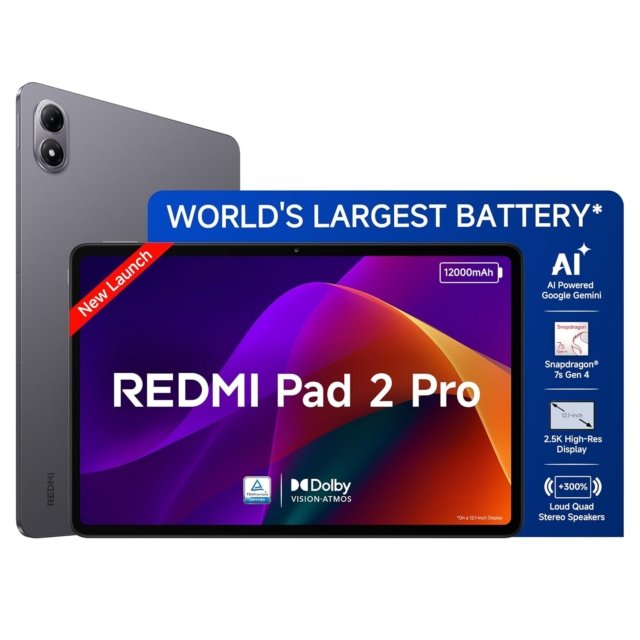
Price: Rs.29,999
Display: 12.1” 120Hz
Processor: Snapdragon 7s Gen 4
Battery: 12,000 mAh
Best For: Content consumption, students, budget-conscious buyers
Disclaimer : We are a product review website providing honest opinions based on extensive research. Prices mentioned are approximate and may vary.
How to Choose the Right Tablet for Your Needs
1. Consider Your Primary Use Case –
For creative work (design, video editing, illustration): You need processor power, a display with accurate colour reproduction, and professional apps. Premium tablets equipped with flagship chips are the right choice.
For media consumption (streaming, reading, browsing): A large screen and long battery life are more important than processing power. Mid-range tablets handle these tasks very well.
For productivity (documents, presentations, multitasking): You need high-speed performance and good multitasking capabilities. Look for tablets that feature flagship processors and support for desktop mode.
For students (online classes, notes, assignments): If creative apps are essential for you, choose based on the quality of the app ecosystem; and if budget is the primary concern, prioritize battery life and value.
For gaming: Choose a device with a high refresh rate display (144Hz) and a flagship-grade processor for smooth, lag-free gameplay.
2. Display Size and Quality –
11–12 inches: A perfect balance between portability and screen size. Comfortable for reading, viewing content, and working, while also being easy to use.
14+ inches: This device is meant to replace a laptop. It is better suited for heavy multitasking and creative work that requires ample screen space, though it is somewhat difficult to carry around easily.
AMOLED vs LCD: AMOLED offers deep blacks and superior contrast, especially in dark environments. LCD is also quite good and often appears brighter outdoors.
Refresh rate: Scrolling and interactions feel much smoother at 120Hz+ (higher refresh rates). Once you experience this, 60Hz clearly feels stutter. If you value smoothness, prioritizing this is beneficial.
3. Processor Performance –
Flagship chips: For creative work, heavy multitasking, demanding games, or future-proofing.
Mid-range chips: For media consumption, light productivity, and browsing. Adequate for most users’ needs at lower prices.
Don’t overspend on processing power you won’t use. If you primarily stream and browse, mid-range performs identically to flagship for those tasks.
4. Battery Life Expectations –
8,000–9,000 mAh: 6–8 hours mixed usage. Adequate for most daily use; may need afternoon charging for heavy users.
10,000–12,000 mAh: 8–12 hours mixed usage. All-day battery for typical usage patterns, handles extended use comfortably.
Battery capacity matters more for people who travel, attend online classes all day, or use tablets extensively away from charging points.
5. Storage Needs –
64GB: Adequate only if you stream everything and store very little locally.
128–256GB: Sweet spot for most users — enough for apps, downloads, and photos without constant management.
512GB+: For creative professionals storing large project files or extensive content libraries.
Common Mistakes to Avoid When Buying a Tablet
1. Ignoring the App Ecosystem
Choosing a tablet solely based on specifications and price can backfire if your essential apps aren’t properly optimized. On one platform, many apps are essentially just scaled-up versions of their phone counterparts, whereas on another, the same apps are fully optimized for tablets and designed specifically for larger screens.
2. Falling for the “Laptop Replacement” Marketing
Buying a tablet with the expectation that it will completely replace your laptop can lead to disappointment. It may involve an additional cost of Rs.8,000 to Rs.20,000, and even the most advanced tablets cannot match the multitasking capabilities of a real laptop when it comes to heavy-duty tasks.
3. Buying Based on Brand Loyalty Instead of Best Fit
Ecosystems do offer genuine benefits, but they can also lead you to spend more money on familiar products rather than prioritizing actual performance. An ecosystem becomes significant when you heavily use devices from a single brand, as consistent usage yields tangible advantages.
This doesn’t matter if the tablet is primarily used standalone or with cross-platform apps like those from Google or Microsoft; in that case, the specifications offered for the price are what matter more.
Overall Insights: Which One Should You Buy?
For creative professionals or serious app users: Choose a premium tablet with strong app ecosystem support, colour-accurate display, and long software update commitment.
For flagship Android performance at reasonable pricing: Look for tablets with top-tier processors and high refresh rate displays without the premium brand mark-up.
For absolute best performance and display: Go for a large AMOLED display with desktop-mode support — a genuine laptop replacement.
For battery life and value: A large 120Hz display with 12,000 mAh battery at budget pricing is perfect for students and content consumers.
For entertainment on a tight budget: Prioritise audio quality and a smooth display — great for families or as a secondary device.
Frequently Asked Questions
Q: How long do tablets typically last?
Premium tablets: 4–6 years with consistent software updates. Mid-range tablets: 3–4 years before performance feels dated. Budget tablets: 2–3 years of satisfactory performance. Battery degradation typically becomes noticeable after 2–3 years regardless of price.
Q: Are Android tablets catching up to iPad?
Hardware-wise, yes — Android tablets now match or exceed in display quality, processing power, and battery life. Software-wise, one platform’s app ecosystem remains stronger for professional creative work. For general use and media consumption, flagship Android tablets compete very effectively.
Q: Should I buy a cellular version or WiFi-only?
Cellular if you travel frequently, need constant connectivity, or can’t rely on WiFi. WiFi-only is sufficient for most home and office users. Cellular versions typically cost Rs.5,000–10,000 more plus ongoing data plan costs.
Q: Stylus — necessary or gimmick?
Genuinely useful for digital note-taking, illustration, and annotating documents. Probably unnecessary for pure media consumption or casual users. Buy one only when you have a specific use case in mind, not on a “might use someday” basis.
Disclaimer: We are a product review website providing honest opinions based on extensive research and real-world usage analysis. Prices mentioned are approximate and may vary based on sales, offers, and location