Best Laptops in India 2026
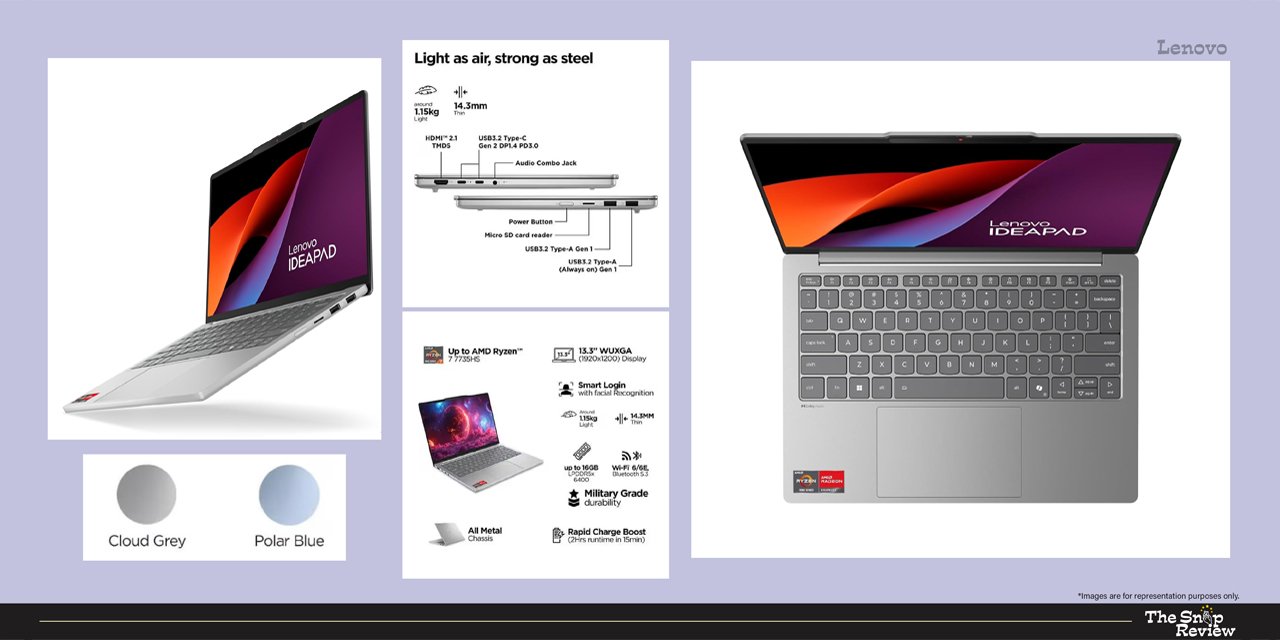
Lenovo IdeaPad Slim 5
Price: Rs.59,990 – Rs.63,160
Storage: 512 GB SSD || Display: 15.6″ FHD IPS, 300 nits
Processor: AMD Ryzen 5 7530U / Intel Core i5 (varies by configuration)
Battery: 8-10 hours (real-world mixed use)
Best for: General office & home use
What we like –
Its AMD Ryzen 5 chip handles everyday multitasking with ease. Browser with over 20 tabs, Zoom calls, Excel sheets, YouTube in the background – this configuration never stutters during typical workday use.
16GB of RAM is optimal for use in 2026. Many budget laptops still try to sell 8GB of RAM, which seems inadequate within a year. Lenovo has done the right thing in this regard.
The 512GB SSD means faster boot times, quicker app launches, and plenty of space for your documents, downloads, and files, eliminating the need to free up storage frequently.
Battery life is really good. You’ll get 8 to 10 hours of backup in a typical work day – emails, documents, video calls, a little browsing – and you don’t have to carry the charger everywhere.
It’s readily available and often discounted during Amazon sales and Chrome offers. During festival sales, it’s often 5 to 10 percent off.
The build quality is solid. Typing isn’t clunky, keyboard movement is satisfying, and the trackpad is precise and smooth.
What could be better –
The 300-nit display is adequate for indoor use, but its brightness will fade in bright sunlight. Working near a window in the afternoon is possible, but not comfortable.
Its webcam works for video calls but isn’t impressive – 720p quality, while 1080p quality is more common these days.
Its speakers are thin and tiny. Music sounds tinny. For serious audio work or entertainment, you’ll need earphones or external speakers.
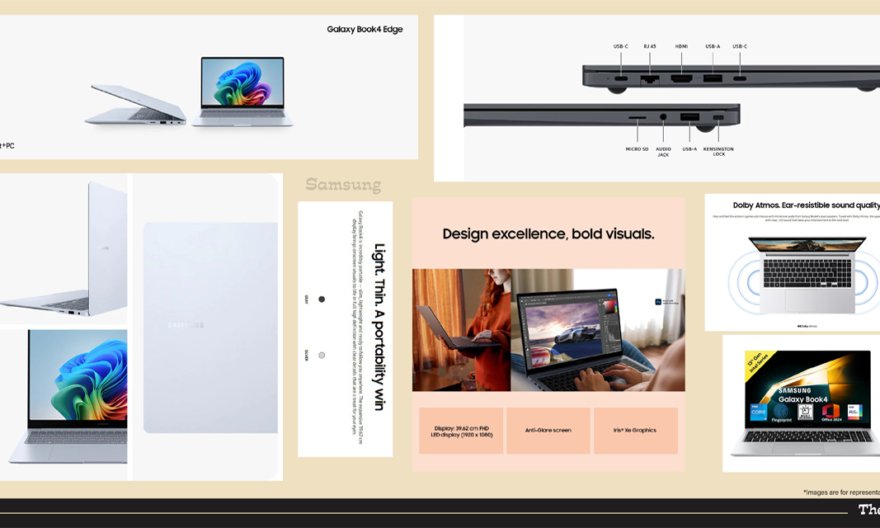
It looks traditional. If you value design aesthetics, you might find this machine a bit bland compared to the Samsung Galaxy Book 4 or the Asus VivoBook S16.
Real talk –
The Lenovo IdeaPad Slim 5 is like a reliable and affordable everyday car. It’s not a flashy, exciting, or aspirational laptop, but it gets the job done every day, perfectly meeting the needs of an office worker or student, and it’s cheaper than premium options. For home-based professionals, parents juggling children’s assignments and office work, or anyone who wants a reliable machine for everyday tasks, this is the most sensible choice in 2026.
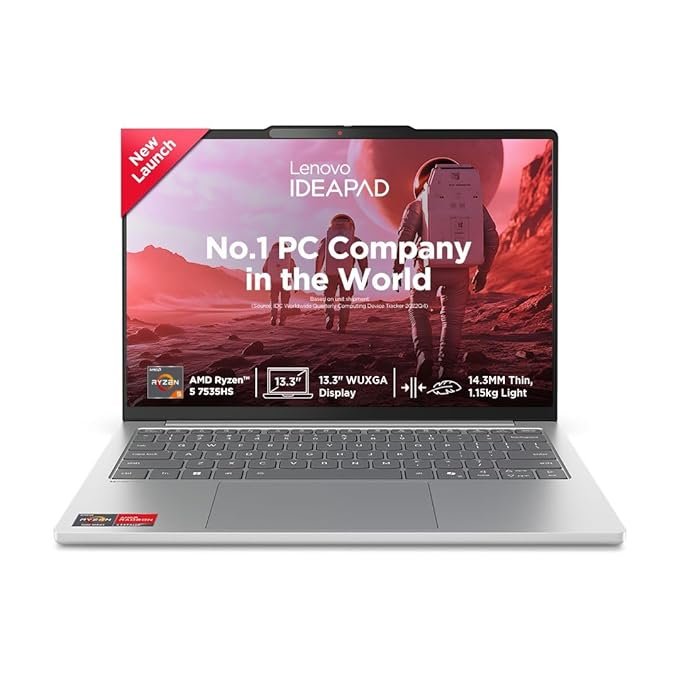
Lenovo IdeaPad Slim 5 Laptop Review
Price: Rs.68,750 – Rs.71,999
Storage: 512 GB SSD || Display: 15.6″ FHD IPS, 300 nits
Processor: AMD Ryzen 5 7530U / Intel Core i5 (varies by configuration)
Battery: 8-10 hours (real-world mixed use)
Best for: General office & home use
Disclaimer : We are a product review website providing honest opinions based on extensive research. Prices mentioned are approximate and may vary.
How to Choose the Right Laptop for Your Needs?
- The Everyday User: Browser, email, Zoom calls, YouTube, Netflix, WhatsApp Web, and the occasional Word document. You need reliability and battery life above everything else. Do not overspend on processing power you will never tax.
- The Student: Assignments, research, online lectures, light presentations, and a fair amount of multitasking across multiple browser tabs. You need portability, adequate performance, and a keyboard that can survive thousands of hours of typing notes. Battery life matters because campus power outlets are never where you need them.
- The Creator or Developer: Photo editing, video editing, graphic design, coding, or content production. You need a capable processor, 16 GB RAM at minimum, a display that shows colours accurately, and storage that won’t run out mid-project. Speed matters more than portability here.
- The Gamer: You need a dedicated GPU, a high refresh-rate display, adequate thermal headroom, and you have already accepted that battery life will be poor. Everything else is secondary.
Processor — The Decision That Drives Everything
The processor is the single most important specification on a laptop and the one most frequently misunderstood. Do not chase the highest model number or the newest generation blindly. Instead, understand what the processor class means in practice.
- AMD Ryzen 5 (7000/8000 series): Excellent multi-core performance at budget-friendly prices. Ideal for students, everyday users, and light content creators. The Ryzen 5 7530U and 7430U are genuinely capable chips that punch above their price.
- Intel Core i5 (12th Gen and above): Strong single-core performance, broad software compatibility, and consistent behaviour across demanding applications. A better choice if you use Windows-specific professional software that is optimised for Intel architecture.
- AMD Ryzen 7 (H-series for gaming): The step up for people who need sustained performance under load — gaming, video rendering, and software development. Paired with an RTX GPU, this combination handles virtually everything short of 4K video production comfortably.
- Apple M3 / M4: In a category of their own. Performance per watt that no x86 processor matches. Fanless, silent, and battery life that lasts a full working day and into the evening. The right choice exclusively for macOS users who rely on Apple’s software ecosystem.
RAM — Do Not Compromise Here
If there is one piece of advice that cuts across every budget and every use case, it is this: do not buy a laptop with 8 GB of RAM in 2026. Full stop. Eight gigabytes were adequate in 2020. Modern browsers consume 2–4 GB on their own with a reasonable number of tabs open. Add Zoom, Spotify, your Office suite, and a PDF viewer, and 8 GB is already struggling.
16 GB is the practical minimum for any laptop you intend to use for more than two years. Every laptop on our recommended list ships with 16 GB as standard, and this was a deliberate decision. The performance difference between 8 GB and 16 GB in real-world daily usage is not incremental — it is transformative.
Display Matters More Than You Think
You will spend every single minute of laptop use looking at the display. It is possibly the specification that has the biggest impact on day-to-day satisfaction, yet it is the one buyers most commonly undervalue because the numbers on paper are hard to evaluate without seeing the screen in person.
- Brightness under 300 nits: Avoid if possible. Workable indoors but painful in bright environments, which is most Indian offices during daytime.
- 300–400 nits: The sweet spot for most users at this price range. Comfortable indoors, usable in moderately bright conditions.
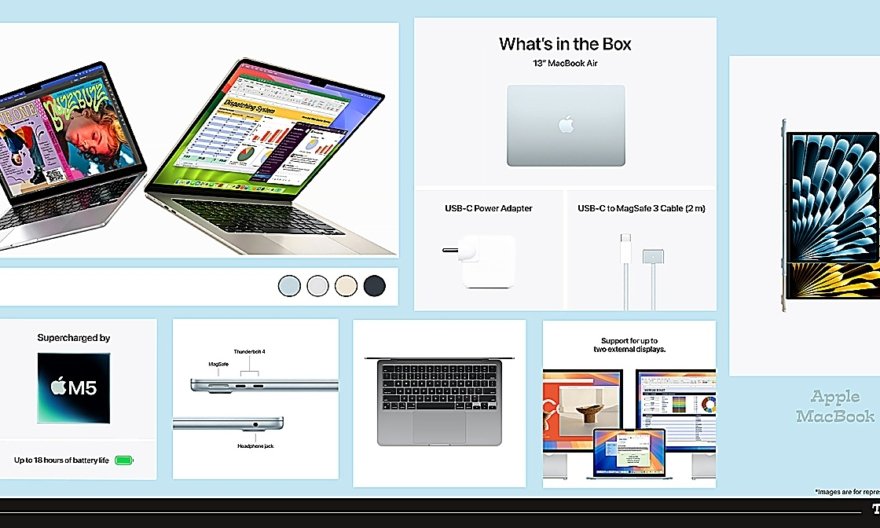
- 500 nits and above: Premium territory. The MacBook Air’s 500-nit Liquid Retina display handles virtually all environments without strain.
- Refresh rate: 60Hz is baseline for everyday use. 120Hz makes scrolling and general interaction noticeably smoother — once you use it, returning to 60Hz feels sluggish. 120Hz and above is essential for gaming and recommended for anyone who does a lot of reading or coding on screen.
Service Network — A Uniquely Indian Consideration
Here is something that no international review publication will tell you, because it only matters in India: check whether your chosen brand has an authorised service centre in your city — or within a reasonable distance — before you buy. A laptop with no nearby service support is a liability waiting to happen.
Dell and HP have the most extensive authorised service networks in India, covering Tier 2 and Tier 3 cities meaningfully. Lenovo and ASUS are strong in metros and growing in smaller cities. Apple’s service has expanded significantly but remains concentrated in major urban centres. If you live outside a major city, this factor can legitimately tip the decision between two otherwise equal options.
Common Mistakes to Avoid When Buying a Laptop
1. Buying 8 GB RAM to Save Rs.3,000
This is the single most common and most regretted laptop purchase mistake in India. Buyers see a machine with attractive specs and a competitive price, notice it has 8 GB of RAM, tell themselves “it’ll be fine,” and then spend the next three years frustrated by slowdowns, application crashes, and a machine that feels dated well before it should. The Rs.2,000–3,000 saved upfront will cost you in productivity and happiness many times over. Always buy 16 GB. Always.
2. Prioritising Processor Generation Over Ram and Storage
Salespeople at electronics stores know that “13th Generation” sounds more impressive than “12th Generation” and will steer you toward the newer chip even if it comes paired with half the RAM or a slower storage drive. A 12th Gen i5 with 16 GB DDR5 RAM and a 512 GB NVMe SSD will outperform a 13th Gen i5 with 8 GB RAM in virtually every real-world task. Generation numbers matter, but they matter less than the overall configuration.
3. Ignoring Battery Life Claims vs. Reality
Laptop manufacturers test battery life under conditions that bear no resemblance to actual usage — screen at minimum brightness, Wi-Fi off, no applications running, and a simple video file looping. When a laptop claims “up to 12 hours,” expect 6–7 hours of real-world mixed use. The only meaningful exception is the Apple MacBook Air; whose battery claims are genuinely achievable. For everything else, divide the manufacturer’s figure by roughly 1.5 to get a realistic expectation. If you need all-day battery without carrying a charger, this matters enormously.
4. Not Checking Service Centre Availability Before Buying
Thousands of Indian buyers have experienced the frustration of owning a laptop from a brand with poor local service coverage. Your Rs.60,000 laptop develops a display issue 14 months after purchase, and the nearest authorised service centre is in another city with a two-to-three-week turnaround time. This is not a hypothetical — it is a documented reality in customer reviews across Amazon India and Flipkart for several brands. Always Google “[brand name] service centre [your city]” before purchasing. If the results are thin or the centre is inconveniently far, factor that into your decision.
5. Skipping the EMI Calculation
No-cost EMI on Amazon India and Flipkart has made it easy to buy laptops at price points that stretch budgets uncomfortably. Before selecting a 12-month no-cost EMI, verify that it is genuinely no-cost — some offers bundle processing fees or require a specific credit card that carries annual fees. Also consider whether a slightly more expensive, better-configured machine on the same EMI plan makes more sense than saving Rs.1,000 per month on a laptop that will frustrate you daily. Sometimes the smarter purchase is the Rs.5,000 more expensive option that you actually enjoy using for five years.